
 Posted by
 Here’s a really quick and easy tutorial for those of you new to PayPal. As part of our E-Commerce tutorial in which we’re helping you set up a WooCommerce and eBay business from scratch, we’re setting up new accounts for PayPal, Gmail, and eBay to keep all our projects together and accessible from one place.
PayPal is now one of the biggest payment platforms online and is all but essential if you use eBay. You do not need to have a PayPal account to make payments online, so is available to virtually all your potential customers.
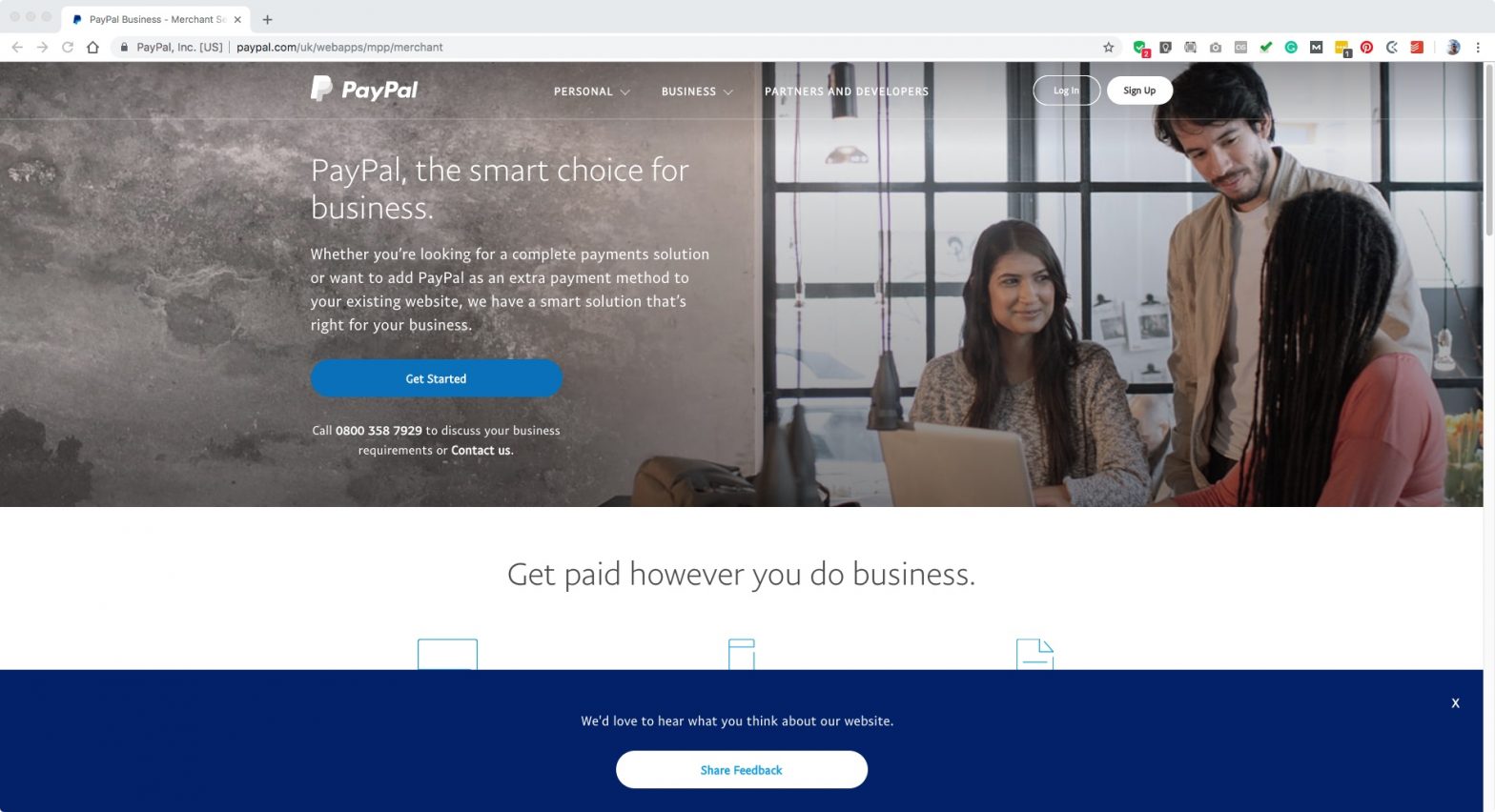
Firstly, we’re going to visit paypal.com and hit ‘Sign Up’ in the top righthand corner.

We’re going to set up a business account so select that on the next page…

On the next page enter your email address. This should be the new Gmail address you’ve already created. On the following page enter your business details, including your business name and address. Agree and continue…

On the next page choose business type. Are you an individual, sole trader, limited company etc. I’ve chosen Individual, and ‘Miscellaneous General Merchandise’ as my general keyword. Enter your website URL if you have one…

On the next screen, it will ask you for your nationality and date of birth. Fill that in and hit continue. You now have your PayPal business account and can start receiving money. Easy, wasn’t it?
In a later tutorial, we’ll be incorporating our account into WooCommerce to enable us to take payments through our own website as well as through eBay.


One comment
Comments are closed.